
Introduction
Experiencing a stuck side button on your Apple Watch can throw a wrench into your daily routine. This crucial element of your device facilitates essential functions, from toggling between apps to initiating emergency calls. When it malfunctions, it can be more than just a minor inconvenience. Fortunately, many underlying issues can be quickly resolved at home. In this comprehensive guide, we’ll explore possible causes of the problem and offer practical solutions so that you can restore your Apple Watch’s seamless functionality. Let’s begin by understanding this vital component and the typical issues you may encounter.
Understanding the Apple Watch Side Button
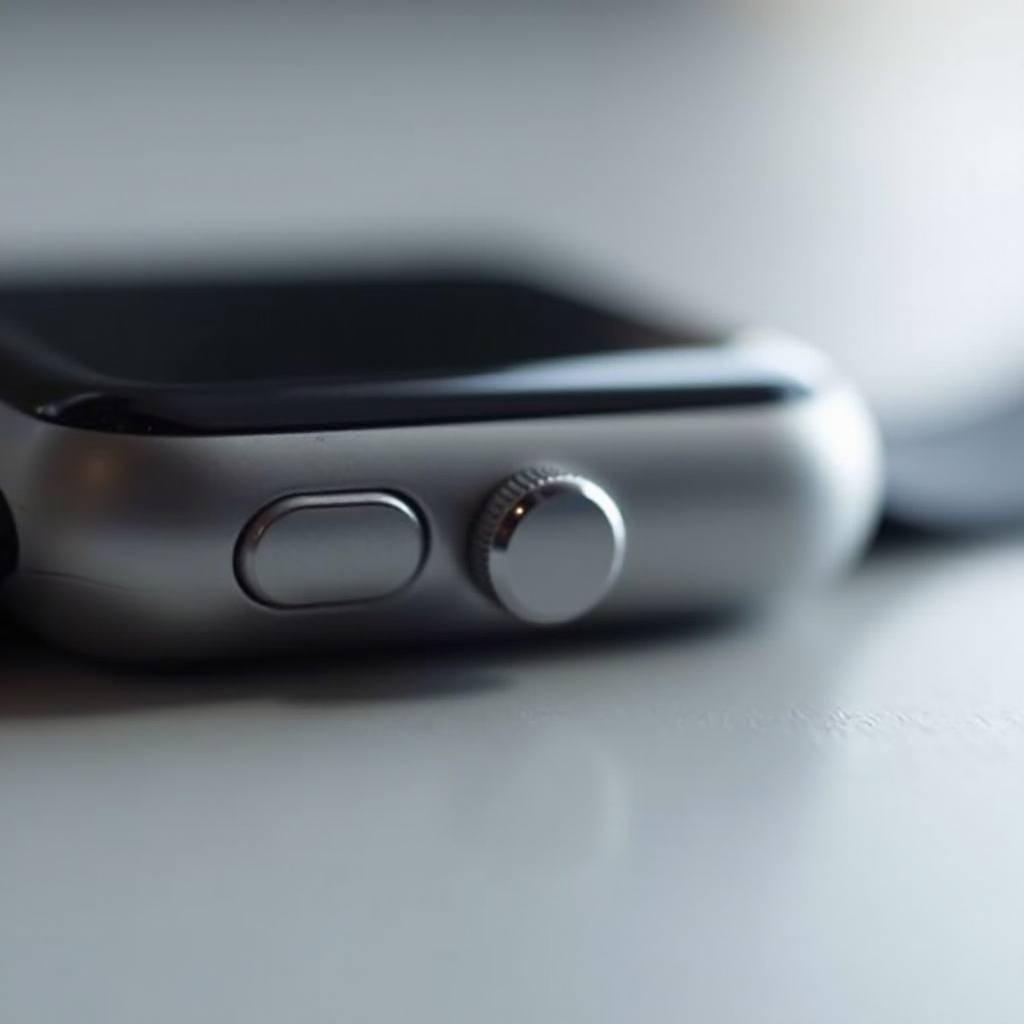
The side button on your Apple Watch is designed to support multiple key functions. It allows you to switch easily between used applications, access emergency features, and much more. Its position and frequent usage make it vulnerable to wear and tear, potentially affecting performance. By understanding today what roles this button plays, you are better prepared to anticipate and manage any issues that may arise, thereby prolonging your watch’s life and effectiveness. This awareness links directly to both present repairs and future preventative measures.
Common Causes of a Stuck Side Button
Dirt and Debris
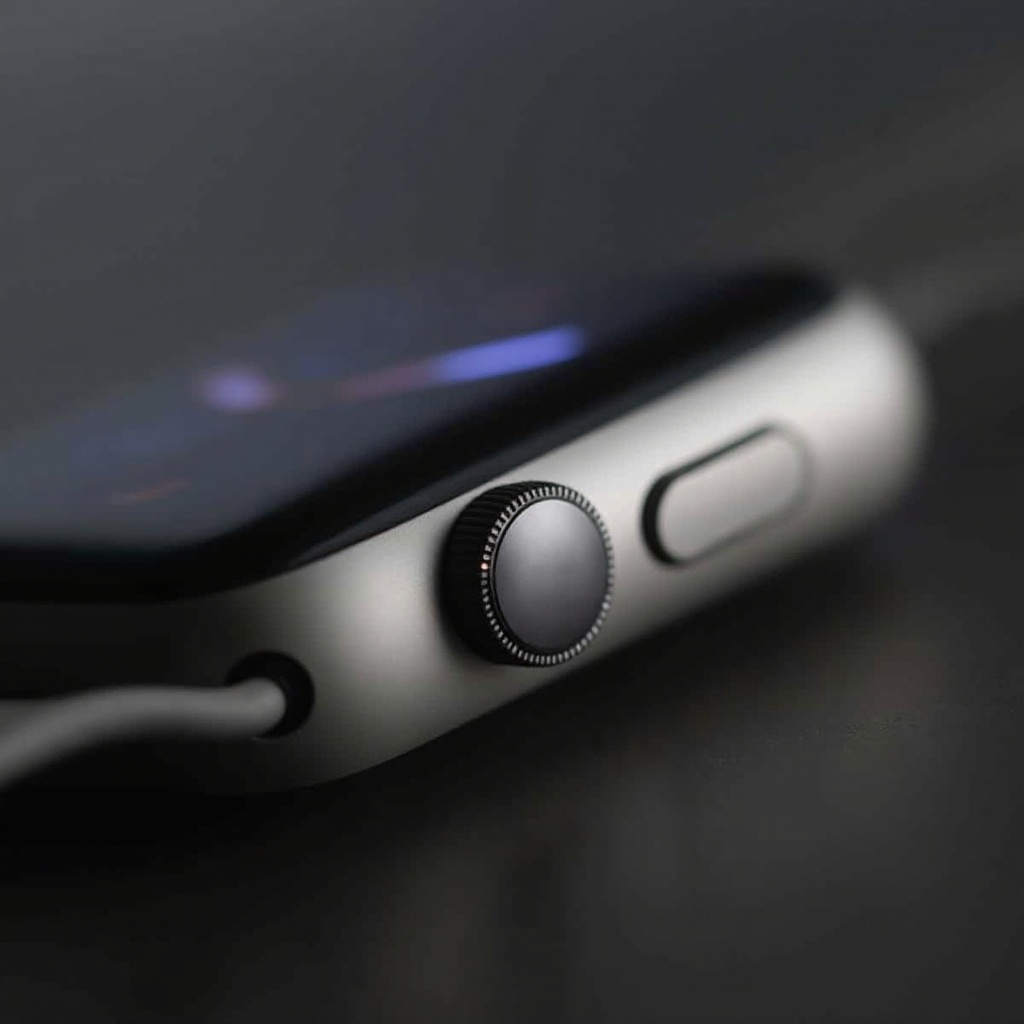
Accumulation of dirt and debris is a leading cause of a stuck Apple Watch side button. Dust, sweat, and other particles can gradually find their way into the small crevices of your device. Activities such as exercising, gardening, or outdoor adventures without removing your watch increase the risk of buildup, impeding button functionality and requiring attention.
Moisture and Water Damage
While designed to resist water to some extent, the Apple Watch is not invulnerable to moisture. Prolonged exposure can result in internal corrosion, restricting the button’s movement and response. It’s essential to note that the effects of water ingress may not be immediately visible, only becoming apparent weeks or months later as the damage manifests.
Hardware Malfunction
In certain rare instances, a hardware malfunction could be the root of the problem. Manufacturing defects or misaligned internal components can compromise button performance. Such issues necessitate professional intervention to effectively repair or replace the affected parts, maintaining the device in optimal condition.
Understanding these common issues enables you to undertake relevant troubleshooting steps to restore your Apple Watch to its best condition.
Initial Troubleshooting Steps
Restarting Your Apple Watch
Often overlooked but highly effective, restarting your Apple Watch can rectify minor software glitches affecting button performance. To do this, press and hold the side button until the power-off slider appears. Slide to turn off the watch, then press and hold the side button again until the Apple logo appears to restart.
Cleaning Techniques
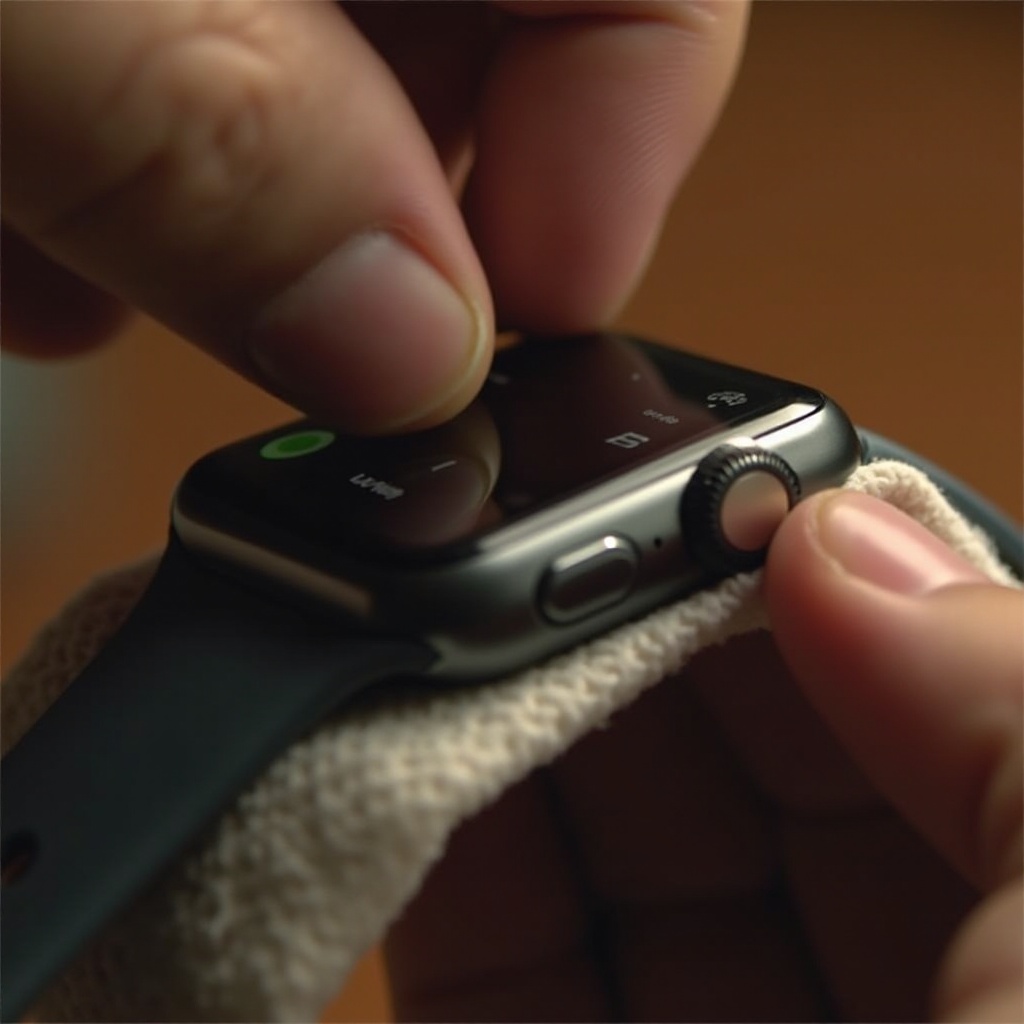
If grime and dirt are the culprits, implementing a cleaning strategy can work wonders. Firstly, switch off your watch. Use a soft microfiber cloth to gently wipe the button area. A dry toothbrush with soft bristles can help loosen and remove entrenched particles, restoring the button’s functionality.
Checking for Software Glitches
Software issues could occasionally cause your Apple Watch button to behave erratically. Ensure your device is running the current software version by opening the Watch app on your paired iPhone, navigating to General > Software Update, and installing updates if necessary. Updates can include crucial bug fixes.
Undertaking these basic procedures can often resolve frequent complications without delving into more complex solutions.
Advanced Solutions for Persistent Issues
Using Compressed Air Cautiously
For truly stubborn dirt, employ compressed air to gently clean the button recesses. Always maintain a safe distance and use the canister in brief bursts to prevent moisture accumulation that could exacerbate the problem.
Exploring Software Updates
Regular software update checks are important to ensure your Apple Watch is running on the most compatible system version. Updates typically provide fixes for malfunctions that can affect button sensitivity and response, contributing to overall device stability.
Factory Reset Option
Should other tactics fail, a factory reset could be necessary. Note that this action will erase all data on your watch, requiring you to set it up again from scratch. Access Settings > General > Reset, then tap Erase All Content and Settings. After this process, sign back in to your Apple account to synchronize your data once more.
If these advanced solutions prove ineffective, it may be time to seek out professional support to remedy persistent problems.
When to Seek Professional Help
Despite your best efforts, if a stuck side button persists, your wisest choice might be consulting Apple Support. Certified technicians have the expertise needed to diagnose and correct deeper structural issues or extensive water damage. They also offer repairs covered by warranty, which can save you from potentially worsening the problem through amateur fixes. Avoid disassembling the watch yourself, which could void your warranty and cause further complications. Trust the experts for a prompt, effective solution that ensures your Apple Watch’s longevity.
Preventive Maintenance Tips
Regular Cleaning Routine
Incorporating a consistent cleaning schedule can drastically reduce the risk of future button-sticking problems. After exposure to dust or perspiration, cleansing your Apple Watch with a microfiber cloth keeps contaminants at bay and enhances functionality.
Best Practices to Avoid Damage
To prolong your watch’s lifespan, ensure it’s kept in a dry environment as much as possible. Secure the strap comfortably to minimize the intrusion of dirt or moisture. Additionally, try to avoid excessively dusty or humid conditions whenever feasible.
By maintaining these preventive habits, you help keep your side button—and your entire Apple Watch—running smoothly, reducing the chance of recurring issues.
Conclusion
Dealing with a stuck Apple Watch side button doesn’t have to be challenging or stressful. Often stemming from simple issues such as dirt infiltration or minor software malfunctions, the problem is usually easy to resolve with focused home remedies and preventive care. In more severe cases, enlisting professional expertise ensures a safe and efficient fix. By prioritizing regular maintenance, you can preserve your Apple Watch’s usefulness and ensure it remains an indispensable part of your daily life. Take action today and restore your device’s full potential, while maintaining a smooth and enjoyable user experience.
Frequently Asked Questions
Why is my Apple Watch side button stuck?
The button can stick due to dirt, moisture, or hardware malfunctions. Each cause requires specific remedial actions.
Can I fix the stuck button myself?
Yes, by restarting, cleaning, or updating your watch, many issues can be fixed at home. For unresolved issues, consider factory resetting as a last resort.
Should I send my Apple Watch to Apple for repair if the button is stuck?
Seek professional help if simple fixes fail, as experts can identify and resolve intricate hardware or software faults efficiently.