Introduction
Smartphones play a crucial role in our daily routines, and iPhones are known for cutting-edge technology and user-friendly features. A prevalent question among users is whether the iPhone keeps charging after reaching full battery. This article explores how iPhone charging operates, debunks related myths, and offers practical advice for maintaining battery health.
How iPhone Charging Works
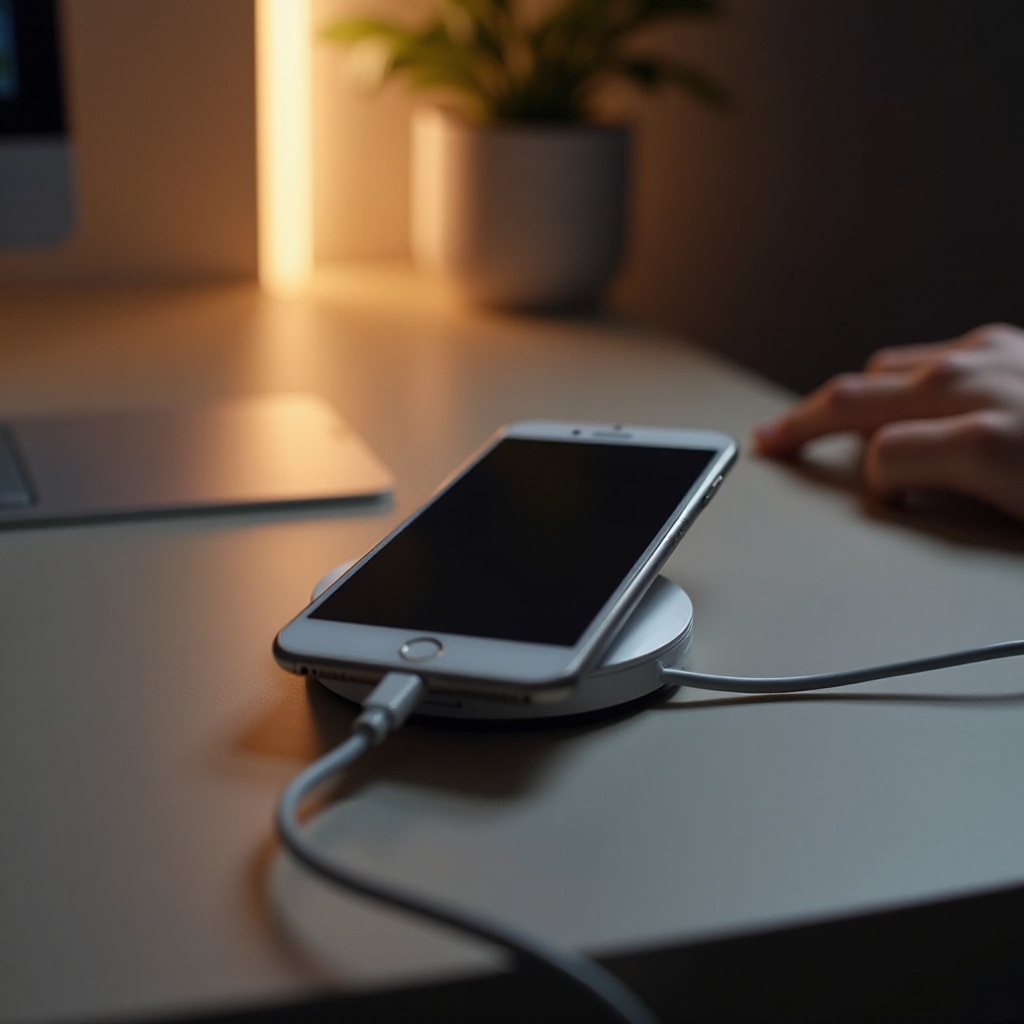
Lithium-ion batteries power iPhones, favored for their efficiency and durability. These batteries convert stored chemical energy into electrical power. Apple incorporates advanced software to optimize this process, ensuring efficient and safe charging.
Initially, when plugged in, your iPhone quickly charges to about 80% capacity. Then, the charging rate slows down to protect the battery’s health. Apple’s intelligent software regulates power flow, minimizing the risk of overcharging.
Understanding this system leads us to the next inquiry: what happens when the iPhone reaches full charge?
Does iPhone Stop Charging When Full?
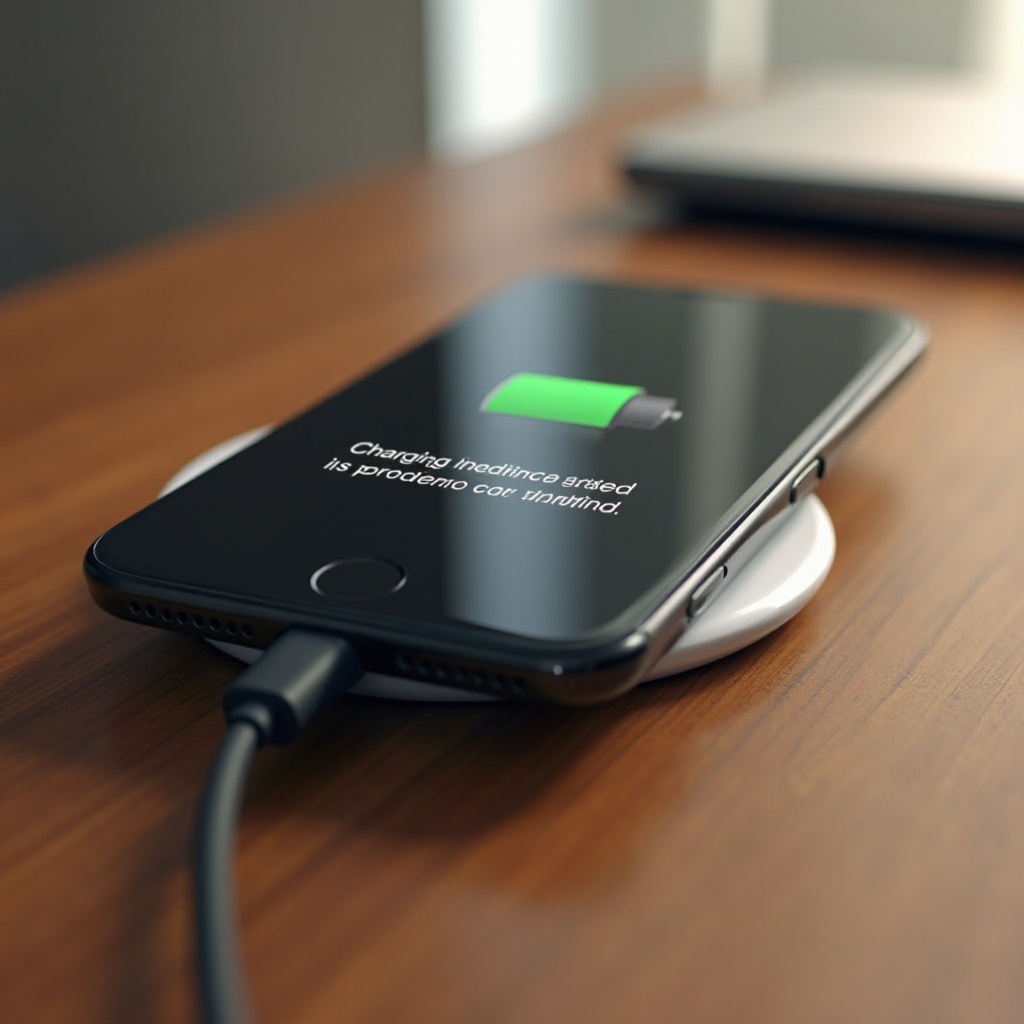
Many believe that continuous charging harms the battery, but iPhones have features to prevent this. Once fully charged, iPhones enter ‘trickle charging’ mode. Here’s a closer look:
– Apple’s Battery Management Features: Apple’s advanced algorithms manage power delivery, ensuring the battery isn’t harmed by extensive charging.
– Explanation of Trickle Charging: Post reaching full charge, your iPhone pulls minimal power to retain full battery capacity, rather than ceasing all charging.
– Protective Software Mechanisms: Apple updates iOS with improved battery safeguards. Features like ‘Optimized Battery Charging’ reduce time spent at 100% by learning usage patterns.
Having established iPhones don’t overcharge, let’s examine how this influences long-term battery health.
Impact on Battery Health
Your iPhone’s battery health is vital for its performance and longevity. Knowing how charging practices affect health helps users make smart choices:
– Long-term Battery Health Considerations: Continuous charge and battery heat are key issues deteriorating lithium-ion batteries. Apple’s systems address these through careful power and heat control.
– Tips for Prolonging Battery Lifespan:
1. Avoid exposing your iPhone to high temperatures.
2. Charge regularly, but don’t let it drain completely before recharging.
3. Employ optimized battery charging when possible.
– Myths vs. Reality in Overcharging: It’s often assumed that overnight charging damages the battery. Apple’s built-in features challenge this notion, reducing vigilance needs.
Following this, we’ll explore user habits and strategies that align with Apple’s features for optimal battery care.
Best Practices for iPhone Users
Smart charging habits can extend your iPhone’s battery life significantly:
– Recommended Charging Habits:
– Use Apple-approved chargers for consistent voltage supply.
– Charge your device when it hits 20-30% to avoid unnecessary cycles.
– Utilizing Battery Health Settings: Access Settings > Battery > Battery Health for capacity insights. Adjust settings to match your usage.
– Expert Recommendations: Experts advocate for routine software updates to harness Apple’s battery management improvements. Limit background app activity to save battery life.
These practices enhance iPhone reliability and battery performance.
Conclusion
By employing informed charging methods, users can greatly benefit their device’s battery health. Apple’s iPhone design prevents overcharging fears, allowing users to maintain performance. With an understanding of these features and adoption of smart practices, you can ensure your iPhone’s longevity.
Frequently Asked Questions
How can I check if my iPhone is overcharging?
iPhones use built-in systems to regulate charging. Check the ‘Battery Health’ setting for capacity metrics.
Is overnight charging bad for iPhone battery health?
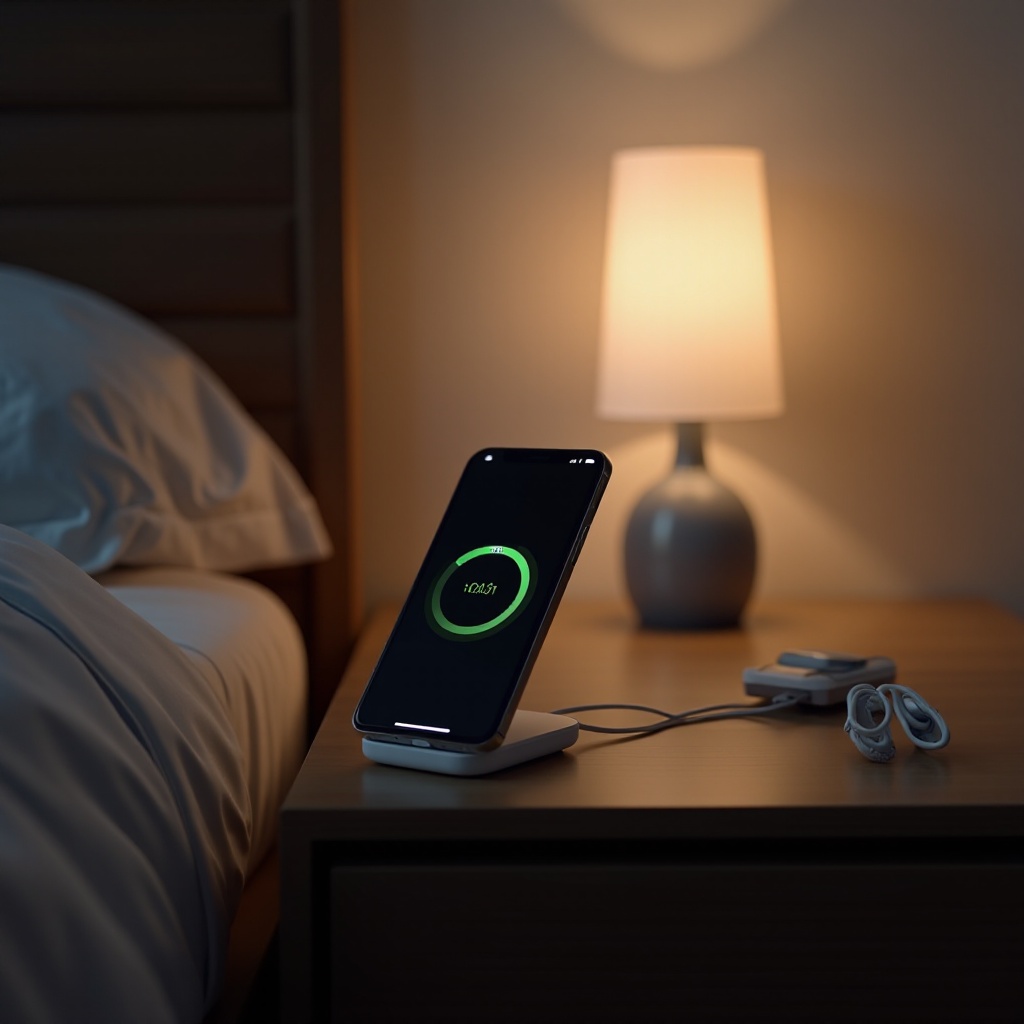
No, Apple’s software prevents damage during overnight charging by employing trickle charging.
What does optimized battery charging mean in iOS settings?
It is a feature that reduces the time your iPhone spends at full charge by learning your routine and adjusting charging schedules accordingly.