Introduction
True Tone is a distinctive feature on MacBook, transforming how users interact with their displays by adjusting the screen’s color and intensity according to ambient lighting. This feature provides a consistent and authentic viewing experience, reducing eye strain and enhancing color accuracy. By replicating how colors appear on paper, True Tone addresses the challenges of artificial screen light, making the display feel more natural and comfortable. Let’s dive into this feature’s significance, functionality, and how it can be utilized on your MacBook.
What is True Tone on MacBook?
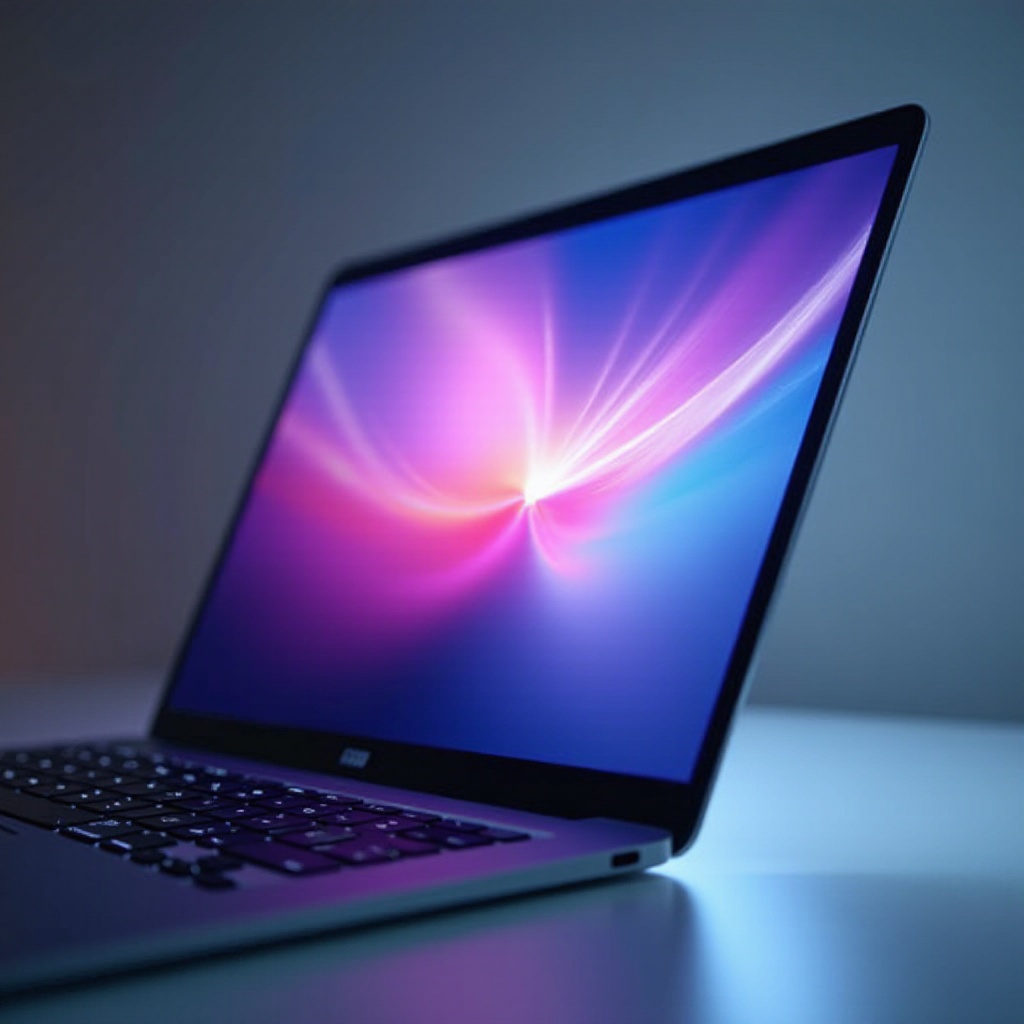
True Tone on MacBook adapts the display’s color temperature and brightness to match surrounding light conditions. Using advanced multichannel sensors, it evaluates ambient light and alters the screen’s appearance, ensuring whites remain consistent irrespective of lighting, whether indoors or outdoors. This mimics the human eye’s natural adjustment to light, reducing visual fatigue and promoting more accurate color rendering, especially valuable for creative professionals who require precision.
How True Tone Works on MacBook
True Tone employs sophisticated hardware, specific to compatible MacBook models, to deliver its benefits effectively. It involves finely-tuned sensors and a seamless blend of technology.
The Technology Behind True Tone
True Tone relies on sensors measuring ambient light’s color and intensity, sending live data to adjust the screen dynamically. This information enables the MacBook to shift its display’s white point in real-time, simulating a more natural viewing experience that mitigates eye strain.
Ambient Light Sensors and Color Adjustment
Ambient light sensors on the MacBook determine necessary adjustments to blue light levels based on environmental factors. This technology ensures the screen maintains accurate and pleasing color tones, keeping visual comfort at the forefront.
Benefits of True Tone for MacBook Users
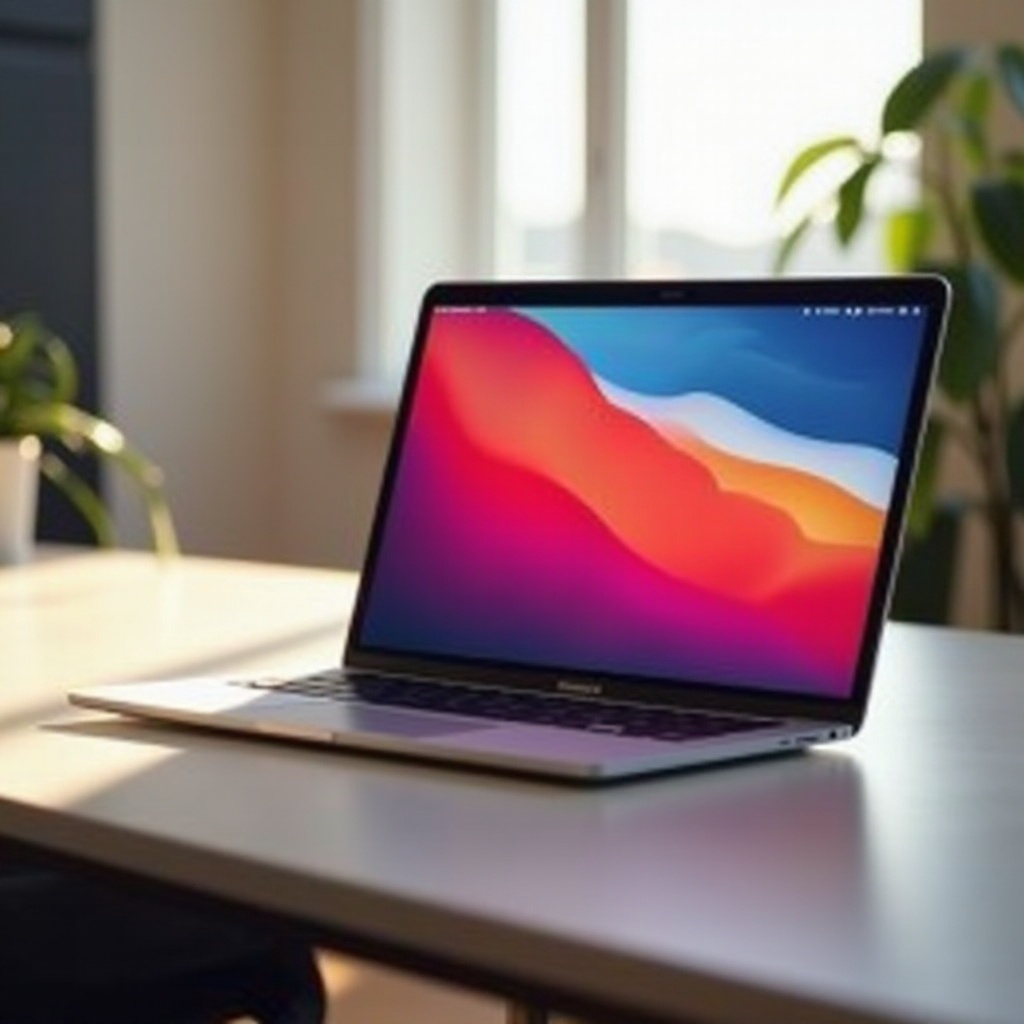
True Tone offers several advantages to MacBook users, whether for casual browsing or professional creative work, ensuring displays are both practical and visually appealing.
Visual Comfort and Reduced Eye Strain
By simulating how the eye perceives natural light, True Tone reduces digital eye strain from extended screen use. The feature’s continual adaptation to the surrounding environment helps maintain a balanced screen experience, crucial as digital devices become central to daily life.
Enhanced Color Accuracy for Creative Professionals
For creators like graphic designers and photographers, accurate color representation is essential. True Tone advances color fidelity, ensuring consistent results across various lighting environments, alleviating frustrations from inconsistent color displays.
Enabling and Disabling True Tone on Your MacBook
Knowing how to toggle True Tone allows users to tailor their display settings to meet personal and professional needs effectively.
Step-by-Step Guide to Adjusting True Tone Settings
- Open ‘System Preferences’ on your MacBook.
- Click on ‘Displays’.
- Check or uncheck the ‘True Tone’ box to enable or disable the feature.
Troubleshooting Common True Tone Issues
Should problems arise, consider these steps:
– Confirm your MacBook model supports True Tone.
– Keep your operating system updated to the latest version.
– Restart your MacBook to resolve any temporary issues.
These actions help maintain optimal True Tone performance, ensuring your display functions as intended.
True Tone vs. Other Display Features
Comparing True Tone with similar features helps you optimize your MacBook’s display capabilities based on specific requirements and preferences.
True Tone vs. Night Shift: Key Differences
True Tone and Night Shift serve different purposes. While True Tone adjusts the display to mimic environmental light for color accuracy, Night Shift reduces blue light exposure to ease strain and improve nighttime sleep quality. Choosing between them depends on your usage time and preference.
Situations Best Suited for Each Feature
True Tone shines in daylight and environments with varied lighting. Conversely, Night Shift is best for nighttime, helping minimize blue light’s impact on sleep. Users can experiment to find their ideal combination for diverse situations.
Conclusion
True Tone technology enhances the visual experience on MacBook devices, offering comfort and accuracy. Understanding True Tone’s functionality and benefits maximizes your MacBook’s capabilities. Whether for daily tasks or creative endeavors, True Tone is a significant advancement in display technology, contributing to a superior digital environment.
Frequently Asked Questions
Does using True Tone affect battery life on my MacBook?
True Tone may have a minor impact on battery life due to its dynamic adjustments, but it’s usually negligible for most users.
Which MacBook models support True Tone technology?
Recent MacBook Pro and MacBook Air models support True Tone. Check your device’s specifications or Apple’s website for compatibility.
Can True Tone be adjusted for personal preferences?
Yes, you can enable or disable True Tone in ‘System Preferences’ to suit your lighting conditions and visual needs.