Introduction
The advent of digital streaming has left many Vizio TV owners puzzled by the absence of traditional antenna inputs for accessing local television channels. However, this doesn’t mean you need to forsake cable-free TV altogether. There are alternative methods available that ensure you can exploit your Vizio TV’s full capabilities without relying on an antenna. Through the use of external devices and digital applications, this guide will help you navigate the options and find the most suitable way to connect and stream your favorite content seamlessly.
The Evolution: Why Vizio TVs Lack Antenna Inputs
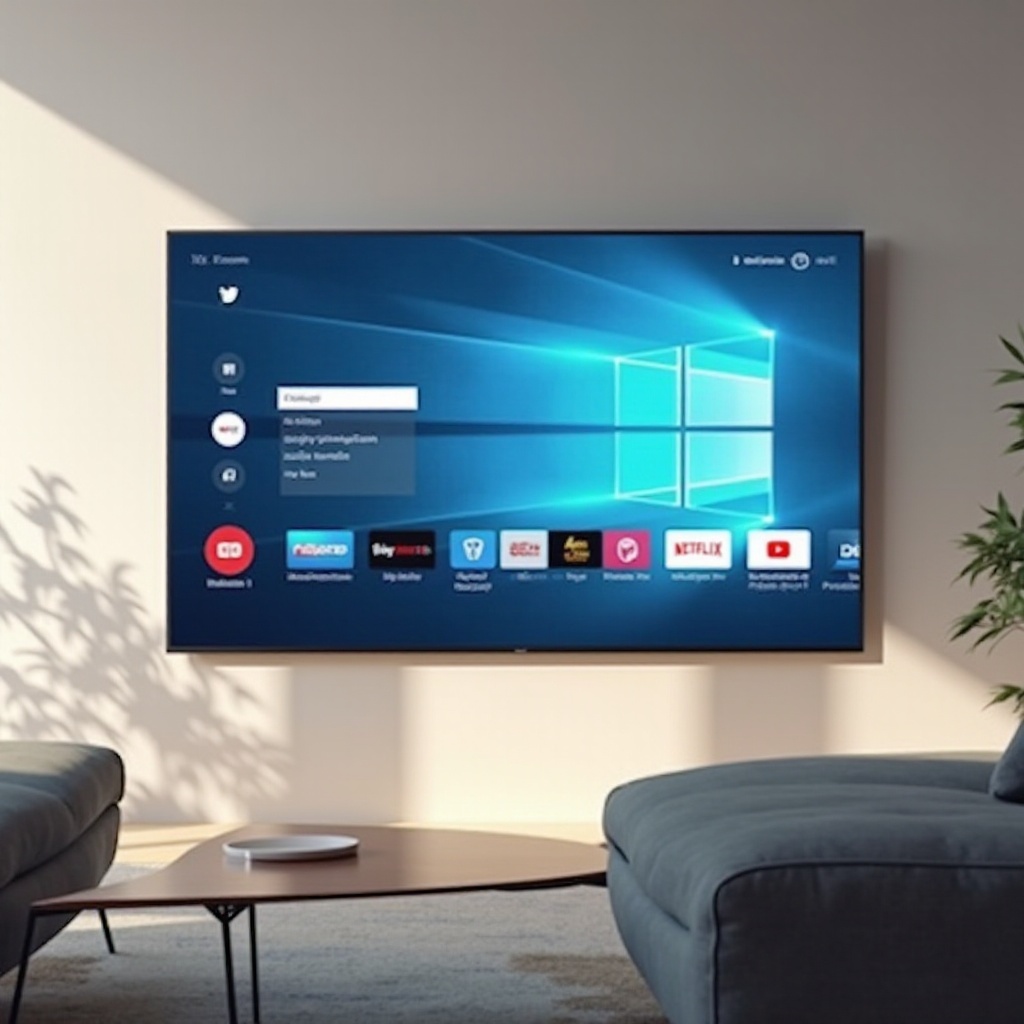
The television industry has evolved immensely, primarily influenced by technological advancements and changing consumer preferences. With the remarkable growth of streaming platforms, brands like Vizio have shifted to designing TVs that cater to this digital consumption trend, often excluding traditional antenna inputs. This transformation reflects the modern viewer’s inclination towards internet-based entertainment. Modern Vizio models emphasize sleek designs, embedded apps, and smart functionality over cable connections, aligning with contemporary viewing habits. This shift pushes users towards more digital-friendly content consumption.
Exploring Alternative Connection Solutions
If your Vizio TV lacks an antenna input, there are several external methods to access local channels and streaming content without compromising quality.
-
HDMI and Streaming Devices: Many local broadcasters offer streaming services accessible through HDMI-enabled devices. You can use gaming consoles or dedicated streaming boxes like Roku or Apple TV to link these services to your Vizio TV.
-
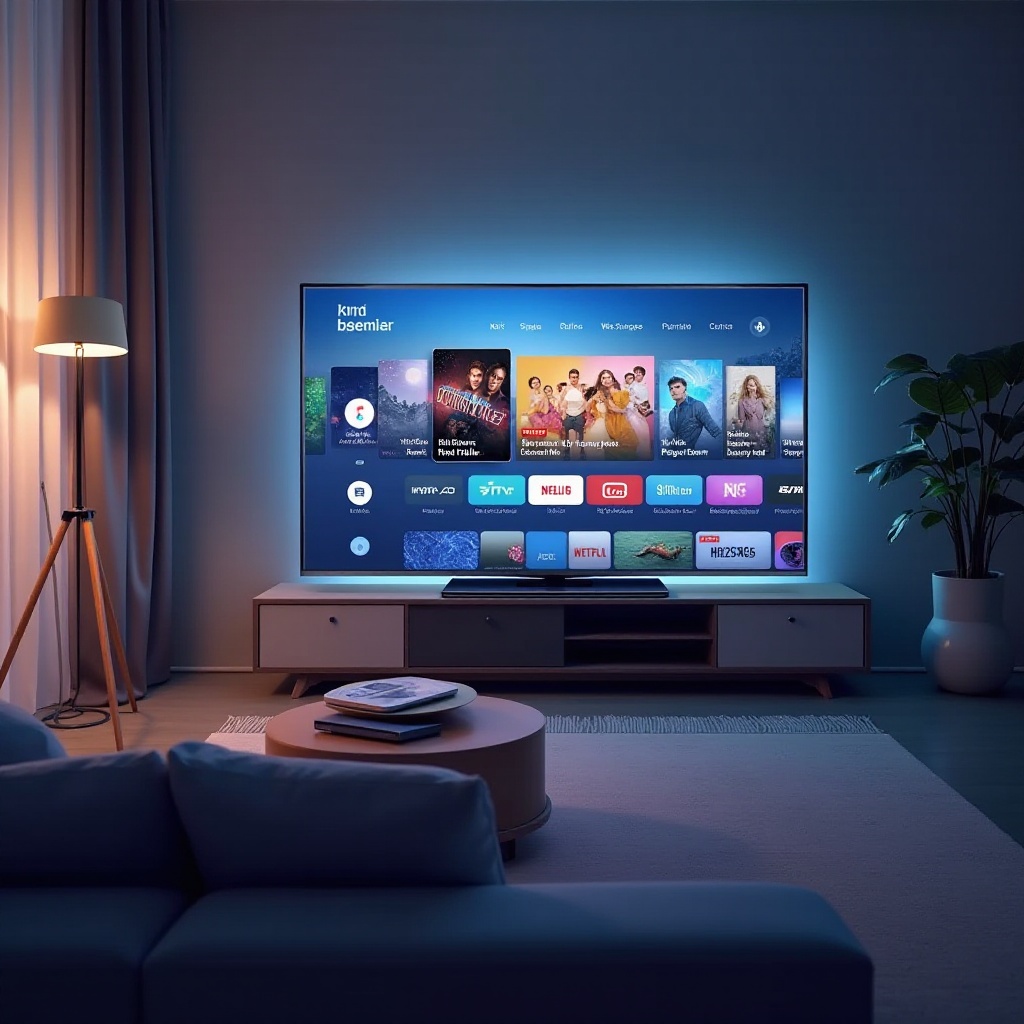
Vizio Operating System Capabilities: Vizio TVs with their SmartCast feature allow users to download and access apps that stream local channels directly, bypassing the need for an antenna.
By understanding and employing these methods, you can ensure a seamless integration of your TV with modern digital content sources.
Connecting an Antenna Using External Devices
If connecting an antenna directly to your Vizio TV isn’t an option, consider utilizing external devices designed for this purpose.
Step-by-Step Guide to Using External Tuners
- Selecting a Tuner: Purchase an external tuner that is compatible with your Vizio model.
- Antenna Connection: Connect the antenna to the external tuner using a coaxial cable.
- Tuner to TV Setup: Link the external tuner to your TV via an HDMI cable.
- Settings Configuration: Adjust your Vizio TV settings to recognize the new input source and ensure fluid performance.
Recommended Tuners and Accessories
Prominent external tuners from brands like Tablo, HDHomeRun, and Mediasonic offer superior signal reception and compatibility with Vizio televisions, facilitating better overall viewing experiences.
Ensuring Optimal Device Performance
Correct installation and configuration of these external devices are paramount. Regularly update the software and maintain a stable internet connection to prevent any disruptions in service.
Embracing Streaming Services as Alternatives
Streaming platforms have become a viable alternative to traditional antennas, providing diverse options for consuming local content on your Vizio TV.
Top Streaming Platforms Offering Local Channels
Platforms such as Hulu Live TV, YouTube TV, and Sling TV deliver local channels within their subscription offerings, providing a mix of live broadcasting along with extensive video libraries.
Making the Most of SmartCast Technology
With Vizio’s SmartCast, downloading apps directly onto your TV becomes a breeze. You can manage subscriptions, stream content, and enjoy uninterrupted access to local channels right from your TV’s interface.
Cost Analysis: Streaming vs. Traditional Services
While subscription fees for streaming services may apply, the breadth of additional content they offer often justifies the expenses. Thoroughly comparing plans can help determine the best match for your preferences and budget, ensuring cost-effective content enjoyment.
Tips to Enhance Your Vizio TV Experience
Enhancing your Vizio TV’s performance extends beyond streaming strategies. Optimizing device settings and exploring smart features can significantly elevate your viewing pleasure.
Maximizing Visuals and Audio
Improve picture quality by meticulously adjusting resolution settings and calibrating color accuracy. Moreover, refine audio output by tweaking bass, treble, and surround sound setups for an immersive experience.
Leveraging Vizio’s Advanced Features
Engage with Vizio’s smart technologies, including voice command integration, SmartCast mirroring, and a suite of handy apps to transcend conventional television viewing. These considerations pave the way for convenient and dynamic media consumption.
Conclusion
While lacking a traditional antenna input, a Vizio TV presents numerous alternatives for enjoying local channels and diverse content. Through external devices and streaming platforms, adapting to digital avenues can facilitate an enriched viewing environment, free of conventional broadcast constraints.
Frequently Asked Questions
Can I use an adapter for antenna input on my Vizio TV?
Yes, purchasing external devices like tuners functions as adapters, enabling antenna connections for Vizio TVs without antenna inputs.
What streaming services are best for local TV on Vizio?
Hulu Live TV and YouTube TV offer excellent access to local channels, with compatible subscription packages for Vizio TVs.
How can I enhance the picture quality on my Vizio TV?
Enhance picture quality by setting optimal resolution and calibrating color tones via the TV’s settings menu for superior visual output.