Introduction
MacBook Pro’s built-in speakers often fall short when it comes to delivering a rich and immersive audio experience. Whether you’re watching a movie, listening to your favorite tunes, or engaging in a video conference, external speakers can significantly elevate the sound quality. In this article, we will dive into the benefits and considerations of using external speakers with a MacBook Pro.
The Importance of External Speakers for MacBook Pro
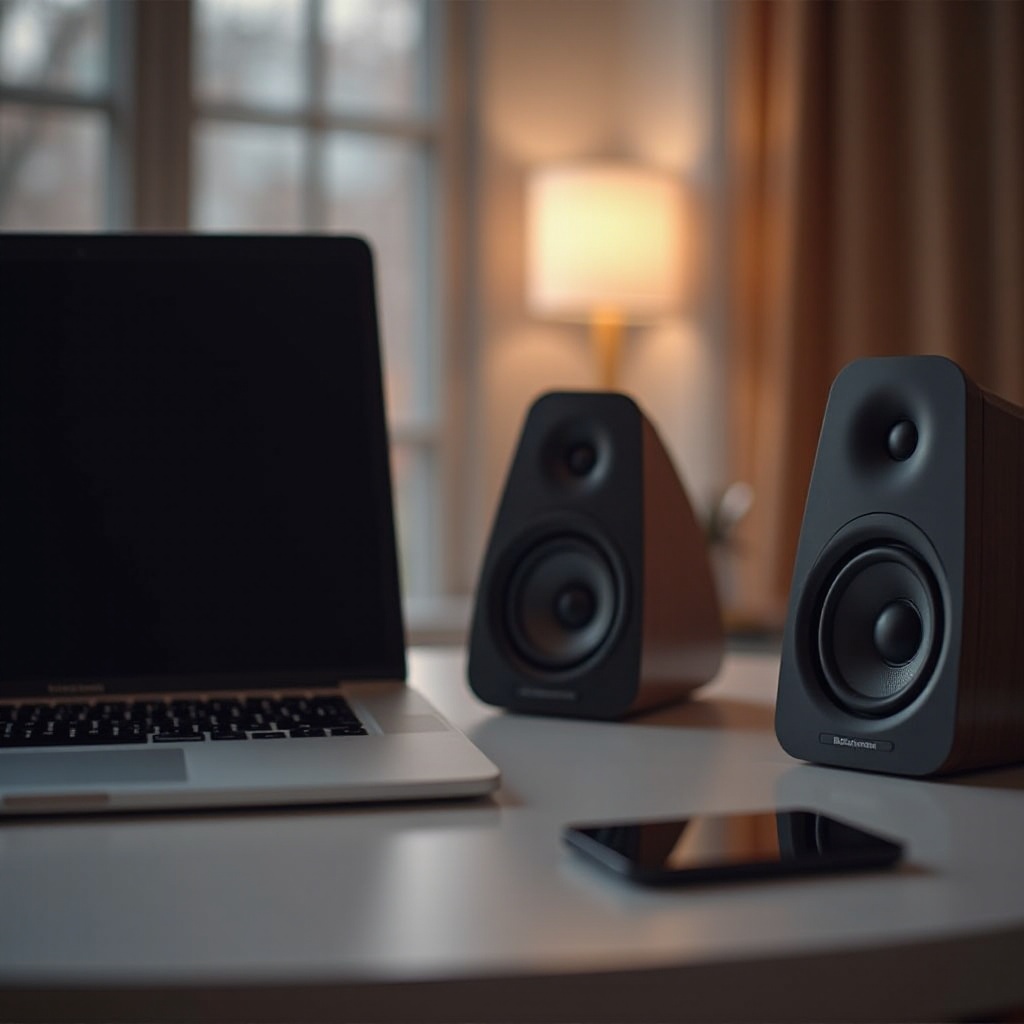
The MacBook Pro, known for its stellar performance and sleek design, unfortunately also comes with limitations in its audio capabilities. Its compact nature limits the size and power of built-in speaker components, leading to audio that sometimes lacks depth and robust bass.
-
Why Built-in Speakers May Not Be Enough: While sufficient for casual usage, built-in speakers often fall short in bass response and rich sound quality necessary for detailed audio experiences.
-
Benefits of Using External Speakers: By incorporating external speakers, users can achieve richer sound quality and higher volume levels. These speakers offer personalized sound settings, catering to individual preferences and enhancing everyday tasks with superior sound.
Appreciating the importance of high-quality sound leads to a deeper understanding of the available speaker types and compatibility with the MacBook Pro.
Types of External Speakers and Compatibility
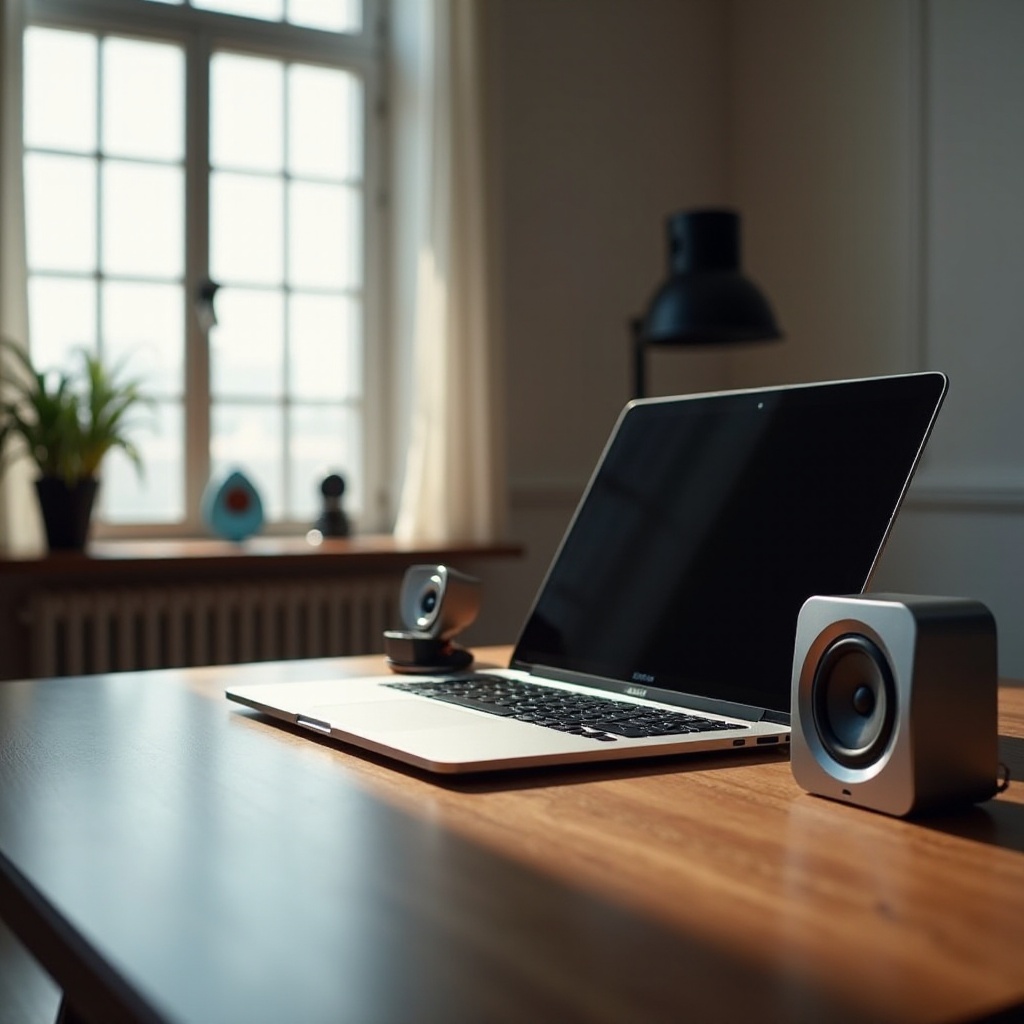
Choosing the right external speakers involves understanding the variety available and their compatibility with the MacBook Pro.
-
Bluetooth Speakers: Portable and wireless, these speakers offer convenience without the clutter of cables. Typically equipped with long battery life, they maintain connectivity with your MacBook Pro even from a distance.
-
Wired Speakers: Known for delivering stable sound quality, wired speakers are ideal for permanent setups. They ensure consistent audio performance, making them perfect for home offices or entertainment setups.
-
Compatibility Considerations with MacBook Pro: Verify speaker compatibility with your MacBook’s hardware and software. Opt for Bluetooth models supporting version 5.0 or above for seamless connectivity. Wired options should offer USB-C or audio input compatibility to fit snuggly with MacBook Pro ports.
Understanding these types and compatibility helps streamline the selection process for external speakers tailored to individual needs.
Top Features to Look for in External Speakers
When choosing external speakers for your MacBook Pro, certain features determine their performance and suitability.
-
Sound Quality and Volume: Aim for speakers capable of delivering clear, crisp audio across frequencies with a balanced combination of bass, midrange, and treble.
-
Design and Portability: Lightweight and compact designs ensure ease of transportation and can complement the aesthetic of any setup.
-
Power and Battery Life: For wireless exertions, prioritize long battery life to ensure constant listening pleasure. Wired variants should offer efficient power consumption for prolonged use.
Considering these features allows users to find speakers that truly enhance their audio experience.
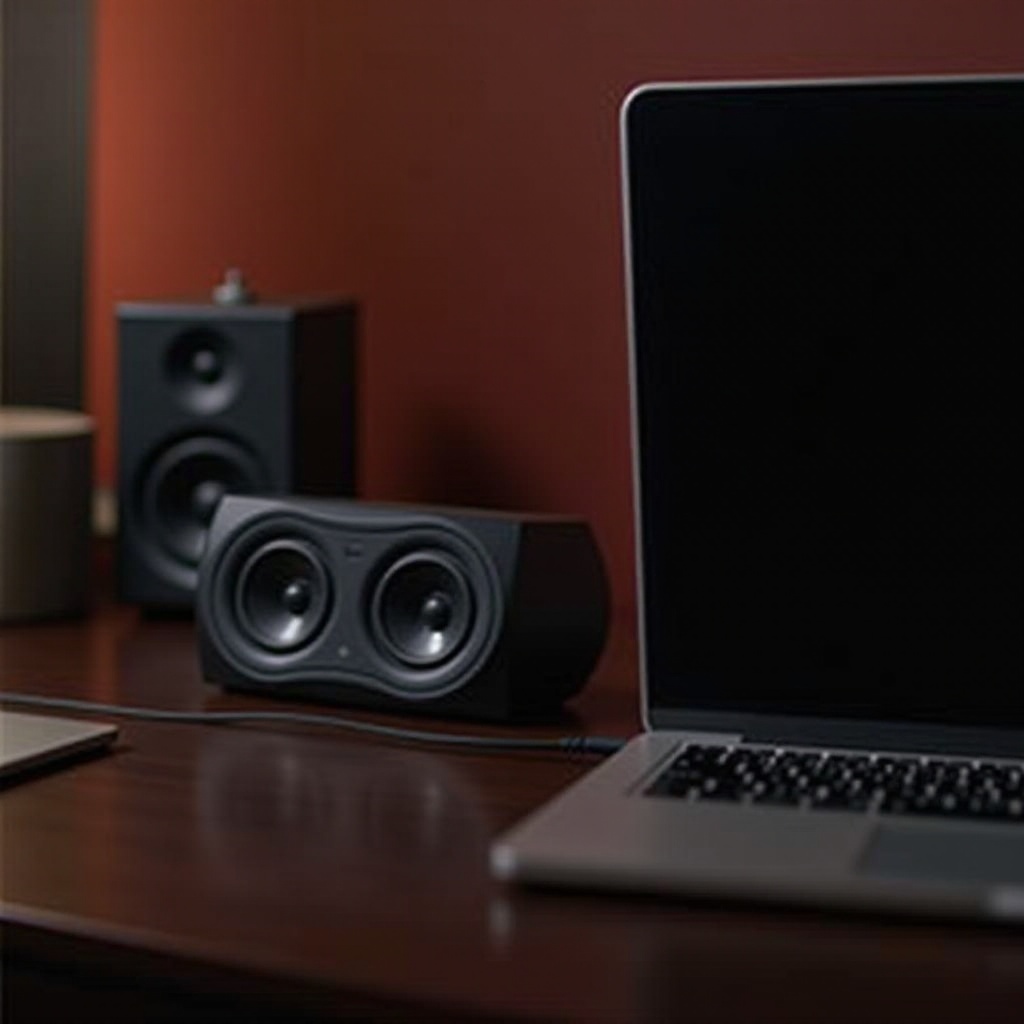
How to Connect External Speakers to MacBook Pro
Connecting external speakers properly can significantly augment sound delivery. Here’s a guide:
- Bluetooth Connectivity Step-by-Step:
- Activate the Bluetooth function on your MacBook Pro.
- Set the speaker to pairing mode to initiate connection.
- Choose your speaker from the list of available Bluetooth devices.
-
Confirm pairing and conduct a sound test.
-
Wired Connection Setup:
- Integrate using the suitable cable type (USB-C, audio jack).
- Adjust necessary sound settings for point-of-reference audio management.
- Conduct sound checks to ascertain proper activity.
Successful connection creates a robust audio foundation for enriched sound experiences.
Maximizing Your Audio Experience with Proper Setup
With speakers connected, fine-tuning the setup ensures peak performance.
-
Optimal Speaker Placement: Position speakers at ear level and aim for symmetrical arrangement. In surround sound setups, strategic placement can create engulfing audio environments.
-
Adjusting Audio Settings on MacBook Pro: Utilize System Preferences to manage sound settings. Tweak configurations for personalized audio output suitable for different locations.
Mastery in setup guarantees extraction of full potential from external speakers, enhancing auditory enjoyment irrespective of activity.
Conclusion
Incorporating external speakers with your MacBook Pro can vastly improve sound quality, crafting richer audio experiences for both leisure and productivity tasks. By carefully selecting compatible devices with favorable features and ensuring proper setup, users can bask in superior sound enhancement as part of their everyday technological interaction.
Frequently Asked Questions
Can I use any external speaker with my MacBook Pro?
Most external speakers are compatible with MacBook Pro. Ensure compatibility with Bluetooth or wired connections for seamless integration.
How do I troubleshoot speaker connection issues?
Check connections and pairing settings on the MacBook Pro and speaker. Resolve inconsistencies and update software for compatibility.
Are wired or wireless speakers better for MacBook Pro?
Wired speakers typically provide consistent quality due to stable connections, while wireless options offer convenience for mobility.