Introduction
The silent button on an iPhone is an essential feature that enables users to swiftly switch their device to silent mode. This feature is particularly useful during meetings or in other quiet settings. However, when it fails to work, it can cause unwanted interruptions. Understanding and addressing issues with the silent button can help regain control over your phone’s sound settings.
Diagnosing the Silent Button Issue on iPhone
Before implementing solutions, it’s crucial to diagnose whether your silent button problem stems from software or hardware.
-
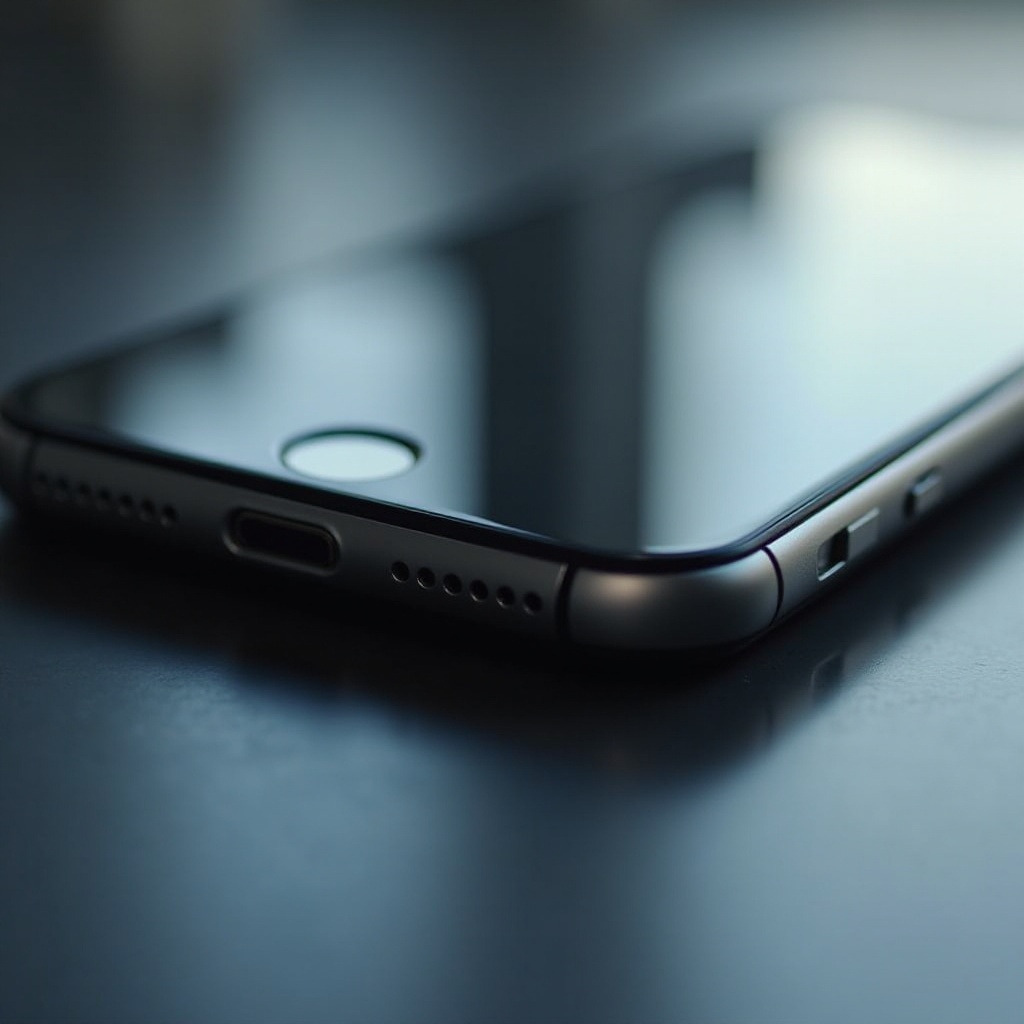
Physical Examination of the Silent Button: Inspect the button visually for signs of any obstruction. Try cleaning it gently with a microfiber cloth. Press the button to check its responsiveness—if it clicks, it indicates physical functionality.
-
Identifying Software vs Hardware Problems: In cases where the button appears intact yet malfunctions, the issue may lie within the software. Adjust your sound settings and attempt toggling the silent mode on and off to determine if it can be controlled.
Determining whether the issue is hardware or software will guide you in applying the correct solutions, as detailed in the following sections.
Software Solutions for Silent Button Problems
Having identified that the problem may be software-related, several steps can help resolve the situation:
-
Restart Your iPhone: Many minor glitches can be fixed simply by rebooting your device. Press and hold the power button and slide to power off. Restart your device to check if the issue is resolved.
-
Ensuring iOS is Updated: An outdated iOS version can cause software bugs, impacting button functionality. Navigate to Settings > General > Software Update and install any available updates.
-
Checking for App Conflicts: Certain apps may interfere with system settings. Update all apps and temporarily uninstall non-essential ones to rule out conflicts.
-
Resetting All Settings: Access Settings > General > Reset > Reset All Settings. This action restores system settings to default without affecting your personal data, potentially fixing sound control issues.
These steps should resolve most software-related silent button issues. Should the problem persist, explore hardware solutions.
Hardware Fixes for Silent Button Malfunctions
If, after attempting software fixes, you determine the problem is hardware-related, consider these approaches:
-
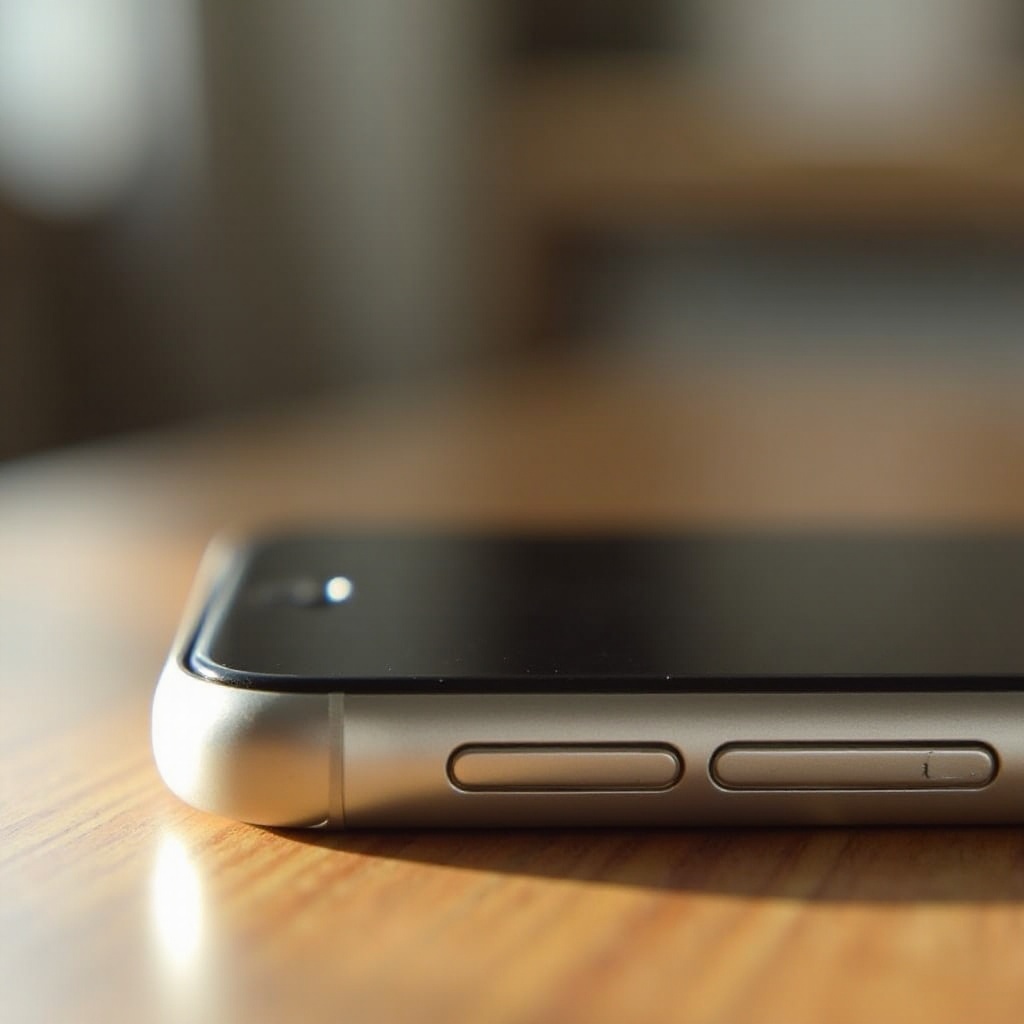
Inspecting and Cleaning the Silent Button: Dust and debris can impede button movement. Use a small brush or compressed air to clean around the button. If it feels loose or fails to click, further inspection is advisable.
-
Seeking Professional Repairs: For persistent hardware issues, visit an Apple Store or certified repair shop. Technicians can accurately diagnose and repair or replace malfunctioning components.
Pursuing these hardware solutions can successfully restore your silent button functionality. For alternative sound control options, continue reading.
Alternative Methods to Silence Your iPhone
If your silent button remains unresponsive, consider software alternatives to ensure your iPhone remains silent when desired:
-
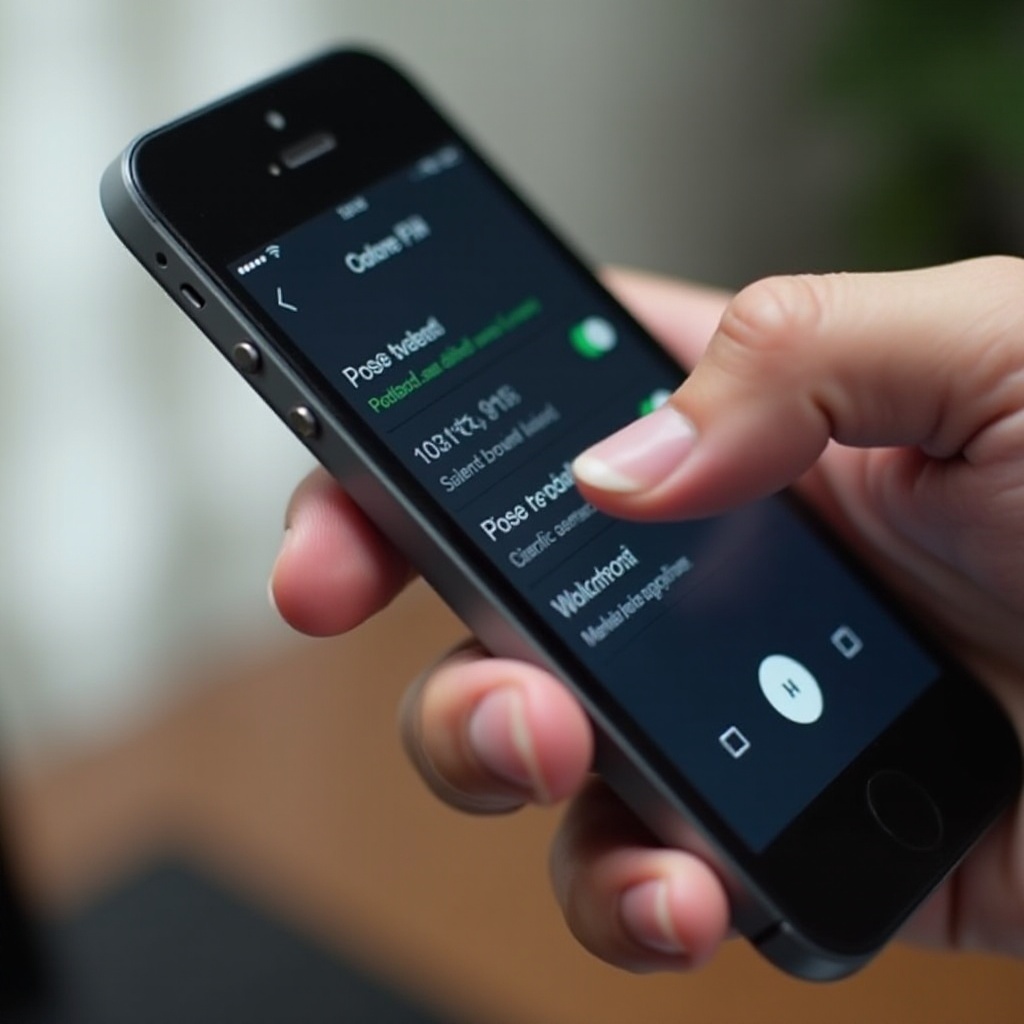
Using AssistiveTouch: Go to Settings > Accessibility > Touch > AssistiveTouch and enable it. An on-screen button will provide quick access to silent mode.
-
Exploring Do Not Disturb Mode: In Settings, activate Do Not Disturb to silence calls and notifications. Customize this feature to allow calls from specific contacts and schedule silent periods.
Software-based alternatives provide reliable sound control while you work on resolving the physical button issue.
Preventive Maintenance Tips
Preventing silent button problems involves regular care and updates:
-
Regular Cleaning and Inspections: Periodically clean around the button to prevent dust buildup. Regular inspections can catch issues early.
-
Keeping Software Updated: Consistently check for iOS updates. Updated software minimizes bugs and optimizes functionality, ensuring features like the silent button continue operating smoothly.
These preventive measures help extend the lifespan and functionality of your iPhone’s silent button, reducing the likelihood of future issues.
Conclusion
While the silent button on your iPhone may occasionally malfunction, these issues are often easily diagnosed and resolved through straightforward steps. Whether the solution involves software adjustments or hardware repairs, continuous device maintenance ensures your iPhone remains dependable and effective.
Frequently Asked Questions
Why is my iPhone silent button not responding?
Your iPhone’s silent button may not respond due to either a software glitch or hardware malfunction. Diagnosing the issue can help choose the right solution.
Can I fix the silent button issue myself?
Yes, you can start by troubleshooting with a restart or cleaning the button. For persistent problems, visiting a professional repair service might be necessary.
What are alternative ways to silence my iPhone?
You can use AssistiveTouch or Do Not Disturb mode to silence your iPhone without relying on the physical silent button.