
Introduction
Your iPhone is a crucial companion in capturing life’s moments, making it vital to protect it from damage, especially water-related issues. Water damage to the iPhone camera can severely affect your device’s functionality and your photos’ quality. This guide delves into recognizing, handling, and preventing water damage comprehensively.
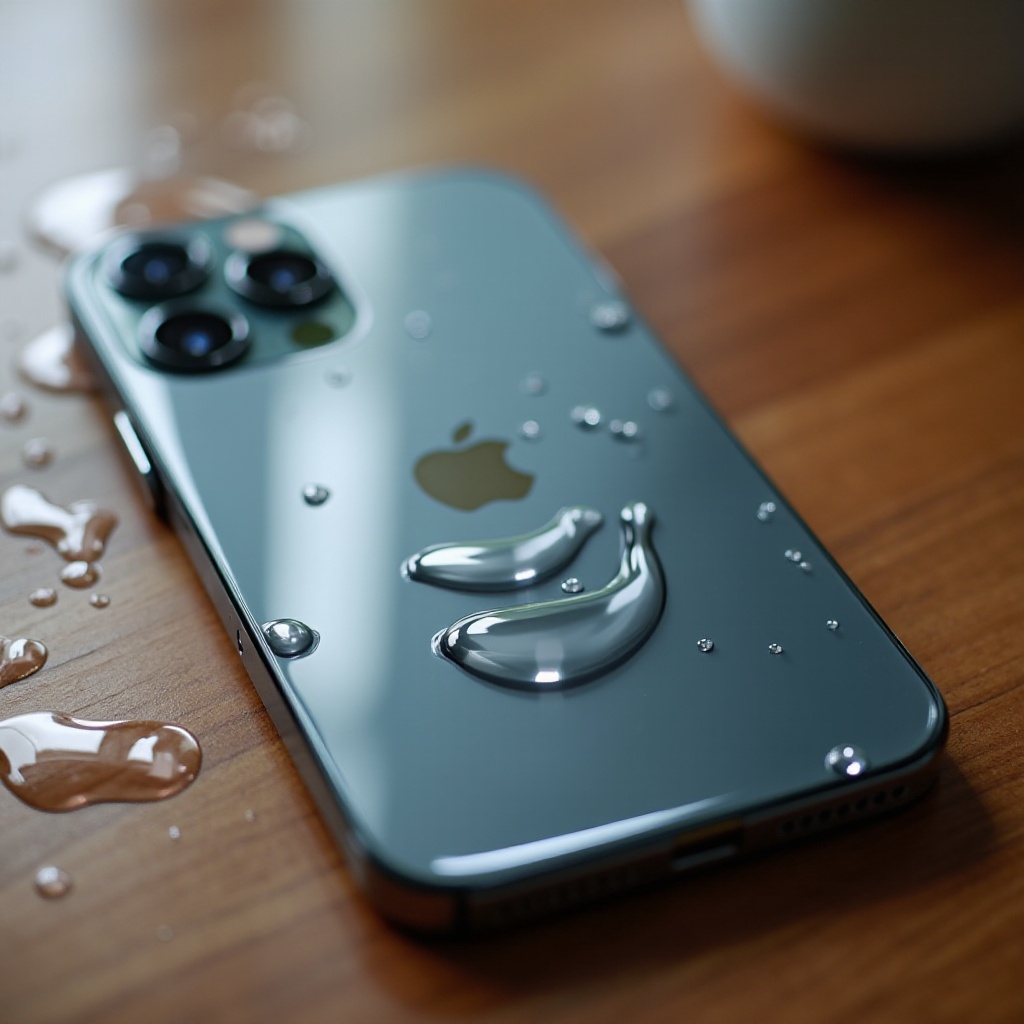
Understanding iPhone Camera Water Damage
To effectively tackle water damage, it’s important to understand what causes it and how to identify its signs.
What Causes Water Damage?
Water damage can occur from various sources such as accidental spills, exposure to rain, or even using your iPhone in a humid environment. Knowing these causes can help you avoid risky situations and keep your device safe.
Common Signs of Camera Water Damage
Being able to identify water damage symptoms early can save you a lot of headaches later. Watch for signs like blurry images, lens fogging, unresponsive focus, and unusual noises from the camera. These indicate potential water intrusion.
Immediate Actions for Water Exposure
If your iPhone is exposed to water, acting quickly can mitigate potential damage.
Quick Steps to Minimize Damage
- Turn the device off immediately to prevent short circuits.
- Remove any cases and external accessories to let the phone breathe.
- Use a soft cloth to gently wipe down the exterior and remove visible moisture.
DIY Drying Techniques
- Submerge your iPhone in a bowl of uncooked rice for at least 24 hours to draw out moisture.
- Surround the device with silica gel packets, which are more effective than rice.
- Avoid using a direct heat source like a hairdryer, as excessive heat can cause further damage.
Evaluating Damage Severity
After drying your iPhone, assess the damage to decide on the next steps.
Visual and Functional Checks
Check for water spots, lens fogging, and test by taking a few photos. If these checks reveal problems, such as persistent blur or focus issues, your device may have water damage.
When to Consult a Professional
If DIY methods haven’t restored your camera’s functionality, consult a professional. Specialists have the tools and expertise to handle intricate repairs that aren’t feasible at home.
Repair and Replacement Options
Choosing between professional repair and replacement involves weighing the costs and benefits of each.
Professional Repair Services
Opt for licensed repair centers or Apple support. They ensure efficient repairs using proper tools and genuine parts.
Costs and Considerations
Repair costs vary depending on the damage’s scope and your warranty or insurance plan. Evaluate these factors, and consider an extended warranty or AppleCare+ to reduce costs.
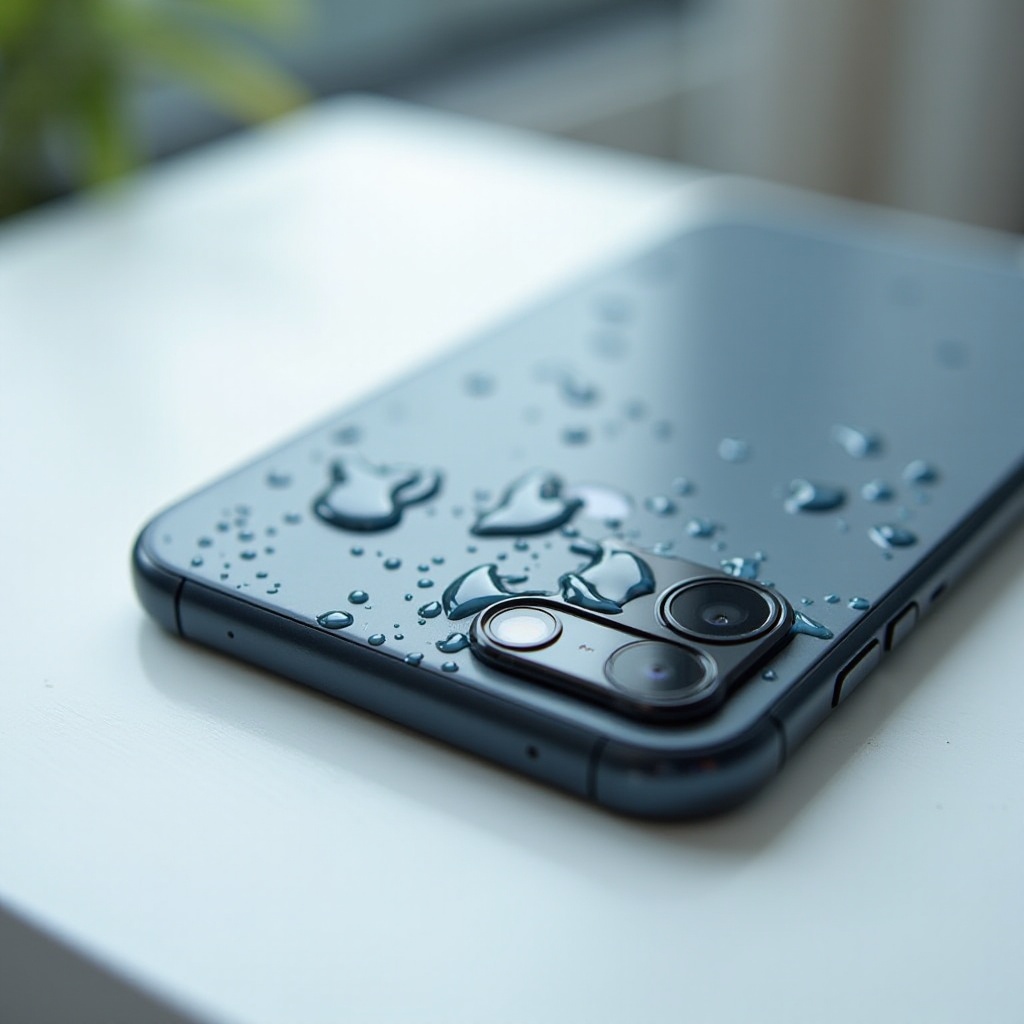
Preventing Future Water Damage
Preventing water damage is easier than dealing with its consequences. Here’s how you can safeguard your iPhone.
Investing in Waterproof Accessories
- Consider waterproof cases from reputable brands like OtterBox and LifeProof.
- Use dry bags when engaging in activities that might expose your phone to water.
Best Practices for iPhone Care
- Avoid using your phone in excessively humid environments or in the rain.
- Keep a microfiber cloth handy for quick drying if your phone gets wet.
- Regularly check for wear and tear that could compromise your phone’s water resistance.
Accessories to Protect Your iPhone
Choosing the right accessories can significantly reduce water damage risks.
Recommended Waterproof Cases
Pick cases that fit your phone precisely and are tested for water resistance. They should provide full protection without hampering accessibility.
Screen and Camera Protectors
Using protective films over your camera lens and screen adds an extra layer of defense without affecting image quality.
Conclusion
Water damage is a common threat to your iPhone camera’s functionality, but it’s manageable with the right precautions and prompt actions. By understanding the signs, employing immediate protective measures, and using quality accessories, you can mitigate risks and keep capturing memories without worries.
Frequently Asked Questions
Can I repair water damage myself?
DIY methods can handle minor issues, but severe water damage typically requires professional repair services for effective restoration.
How can I tell if my iPhone camera is water-damaged?
Look for signs such as blurry photos, condensation within the lens, and issues with camera focus. These indicate potential water damage.
Are waterproof cases 100% effective?
While effective, no case offers absolute protection. Proper handling and regular maintenance are key to maximizing their effectiveness.