Introduction
Managing a Fitbit account is crucial to protect your privacy and optimize your smart watch usage. You may decide to delete your account for various reasons, like switching devices or privacy concerns. This guide offers a step-by-step approach to delete your Fitbit account securely, while considering the impacts on your device and data.
Understanding Your Fitbit Account
A Fitbit account is the key to accessing your health metrics and connecting with the Fitbit community. Understanding the depth of what your account holds can clarify your reasons for deletion.
What is a Fitbit Account?
Your Fitbit account acts as a centralized hub, storing personal information, health data, and syncing between your devices and Fitbit’s cloud, offering a comprehensive picture of your activity and health.
Common Reasons for Account Deletion
Users often delete accounts due to privacy concerns, switching to new devices, or simply needing a fresh start. Understanding these reasons is crucial to make informed decisions.
Preparing to Delete Your Fitbit Account
Preparation is vital before proceeding with deletion. Here you will learn how to backup your data and evaluate necessary considerations.
Backing Up and Exporting Your Fitbit Data
- Access the Fitbit app: Open the app on your smartphone.
- Select ‘Data Export’: Locate the option to export your data.
- Securely store the data: Save your exported data to a personal cloud or external drive.
Things to Consider Before Account Deletion
Deleting your Fitbit account permanently affects data accessibility and device functionality. Consider checking linked devices and app integrations before proceeding.

Step-by-Step Process to Delete Your Fitbit Account
With preparations complete, follow these instructions to delete your account efficiently.
Instructions for Deleting via the Fitbit App
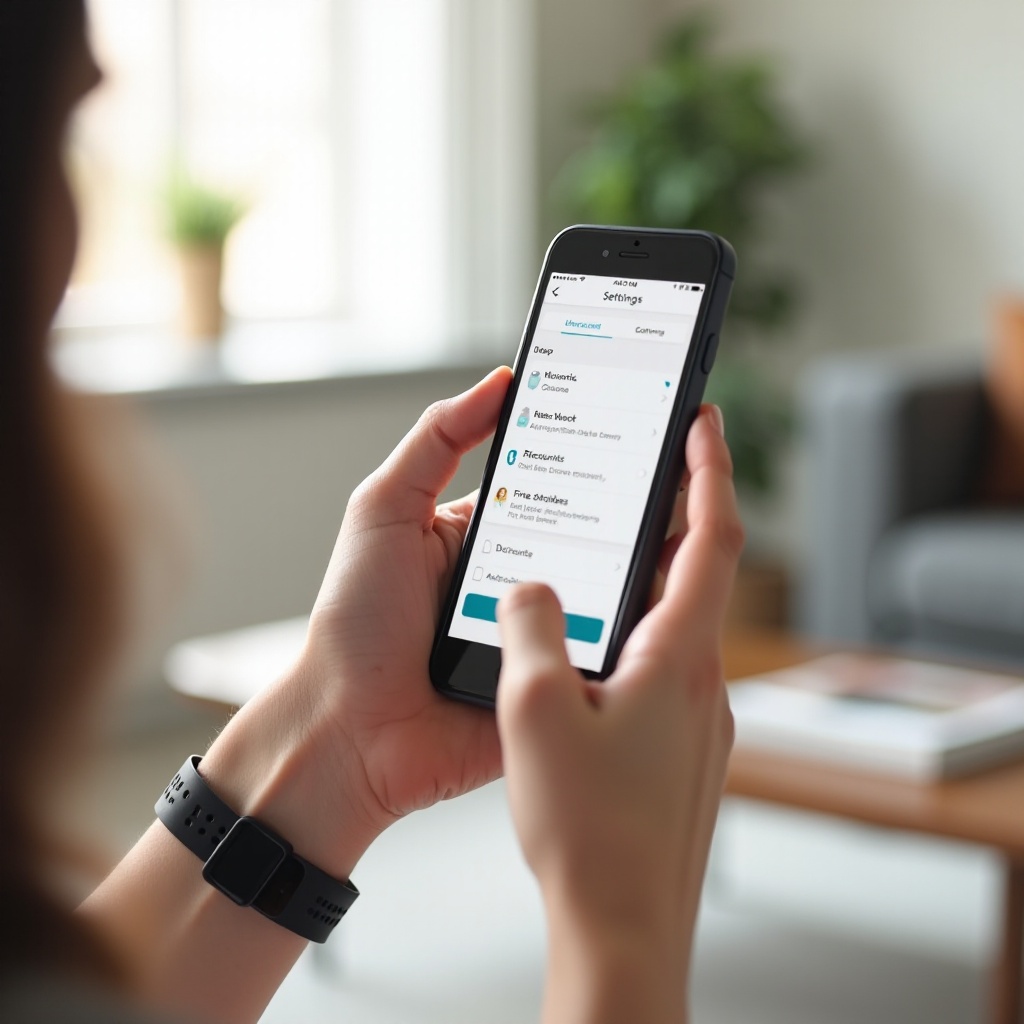
- Open the Fitbit app: Log in via your mobile device.
- Access profile settings: Click your profile avatar.
- Select ‘Delete Account’: Follow the prompts and confirm deletion by entering your password.
Instructions for Deleting via the Fitbit Website
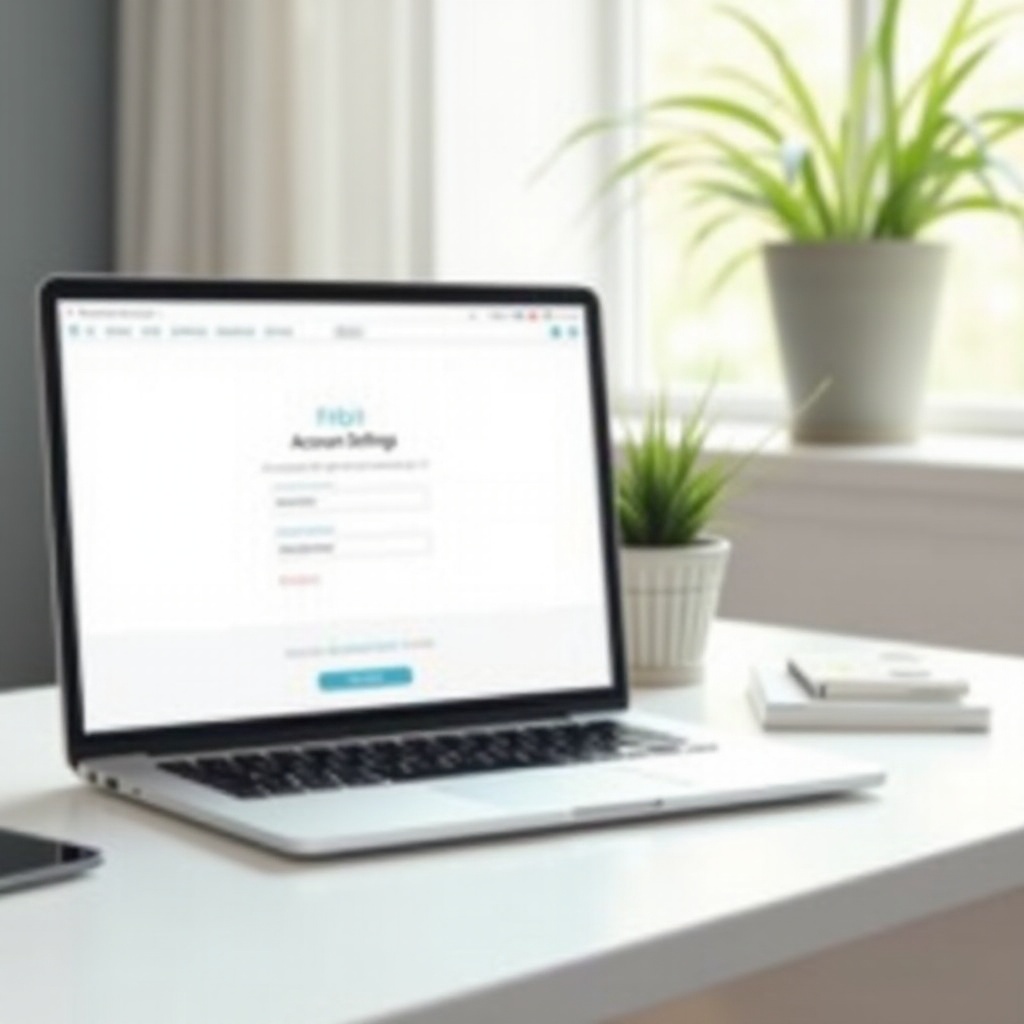
- Visit Fitbit.com: Sign in using a web browser.
- Access account settings: Locate the gear icon for ‘Settings’.
- Manage account: Begin deletion by following on-screen instructions.
Troubleshooting Common Issues
If you encounter problems, ensure your app is updated and check your internet connection. For persistent issues, contact Fitbit support for assistance.
What Happens After Deleting Your Account
After deletion, it’s important to know what changes occur concerning device functionality and data management.
Device Functionality Post-Deletion
Deleting your account won’t reset your device automatically. Manual clearing of data and restoring factory settings safeguard privacy.
Understanding Data Retention and Privacy
Fitbit indicates that full data removal could take time. Review their data retention policy to understand how your information is handled after deletion.
Conclusion
Effectively managing your Fitbit account is essential for privacy and data security. You now have the steps to delete your account if needed, maximizing your smart watch’s privacy and performance.
Frequently Asked Questions
Can I recover my Fitbit account once deleted?
Once deleted, your Fitbit account cannot be recovered. Consider exporting data as an alternative.
Will deleting my Fitbit account affect my smart watch performance?
Device functionality may require adjustments post-deletion, such as resetting or unlinking.
How long does it take for my data to be erased entirely after deletion?
Data removal varies; reviewing Fitbit’s policy will provide clarity on data retention timelines.